
Real Estate Media Tips: How to Use Your Listing Photos After the Shoot
The shoot is half the job. What you do with the files decides whether they work. These are the habits we’d put in place once the gallery lands, for agents across Upstate SC, Columbia and Richmond. For the order to launch things in, see our Upstate listing launch plan.
Write the headline from the photos
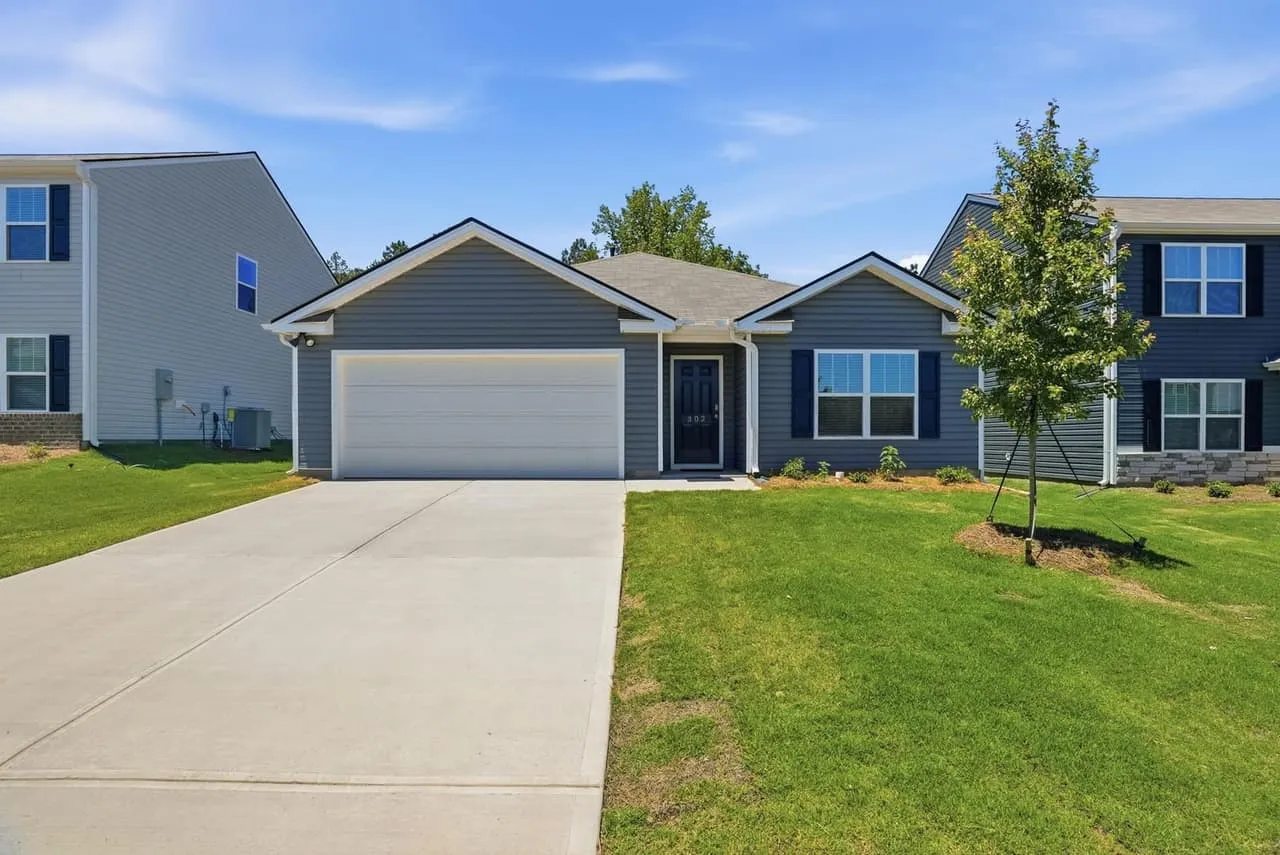
“Beautiful 3 bedroom house” tells a buyer nothing. Lead with the feature that makes the property different and that the photos can back up. Say a house has a screened porch and a fenced yard: put that in the headline, and make sure both show up in the first handful of photos. Copy that promises something the lead photo doesn’t show makes buyers feel tricked at the first click.
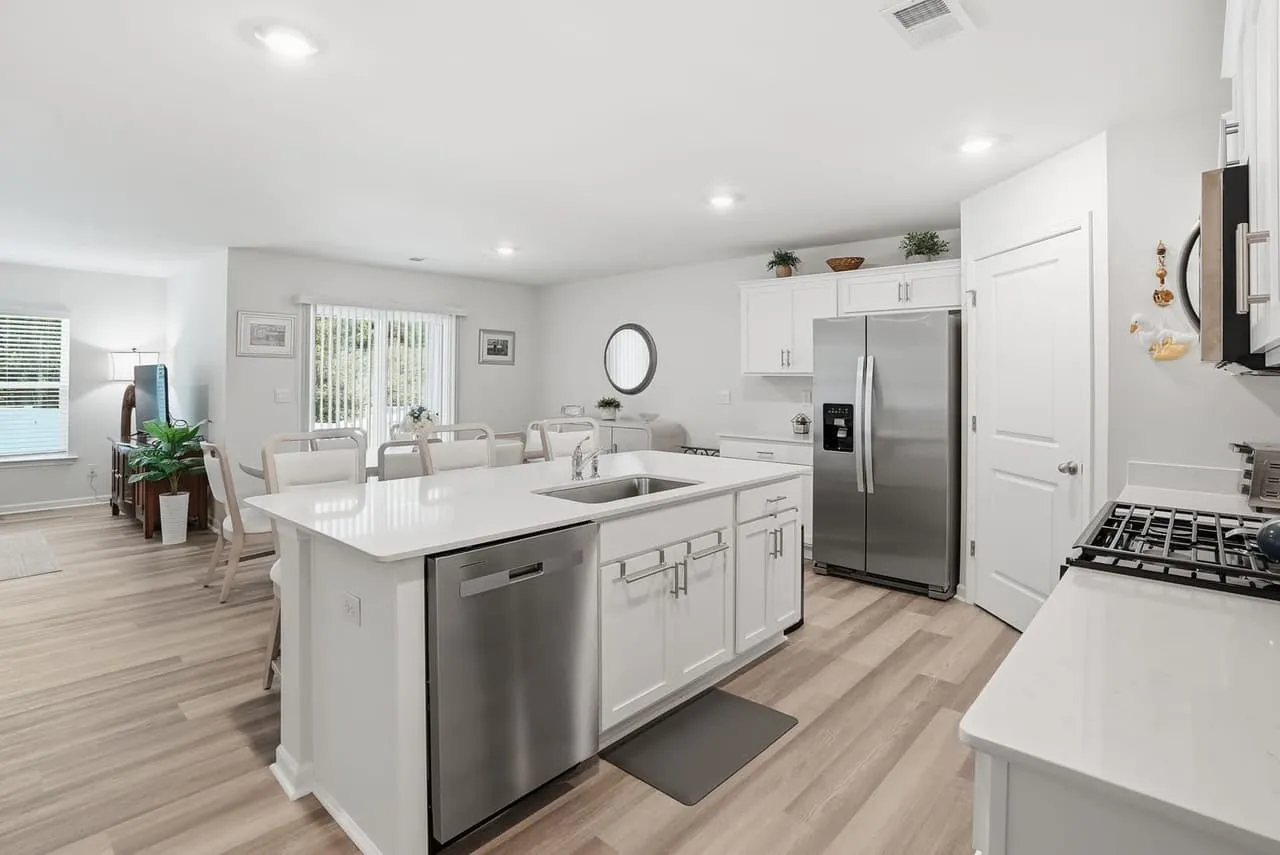
Pick specific words over pleasant ones. “Updated kitchen with a gas range” does more than “gorgeous kitchen.”
Add local context the photos can’t show
Buyers aren’t only buying the house. They’re buying the drive to work, the park down the street and the coffee shop around the corner. Mention nearby parks, restaurants and shopping in the description, especially for buyers coming from out of town who don’t know the area. Stick to things you can verify, like distances and amenities, and keep claims about neighborhoods and schools out of it.
Cut a separate version for social
Instagram and Facebook can put a listing in front of people who never open the MLS. Don’t post the whole gallery. Pick one strong still and one short vertical clip, write a caption that says what the house is, and point people to the full listing. Good captions and strong visuals beat a bigger spend on weak ones.
Answer the obvious questions in the description
Every listing draws the same few questions: how big is the lot, what conveys, is there an HOA, where does the room count come from. A photo can’t answer those, and every unanswered question is a reason for a buyer to scroll on. Put the facts in the description, and where a number is approximate, say so. A short, honest answer builds more trust than a long sales paragraph.
Talk through the floor plan and the tour
A floor plan answers the question photos can’t: how does it all fit together? Mention it in the description and tell buyers what to look for, like the corner that would make a good office or the back door that opens onto the deck. The same goes for a 3D tour. Don’t just link it. Give people a reason to click: “walk the finished basement from your couch.”
Check the listing on a phone
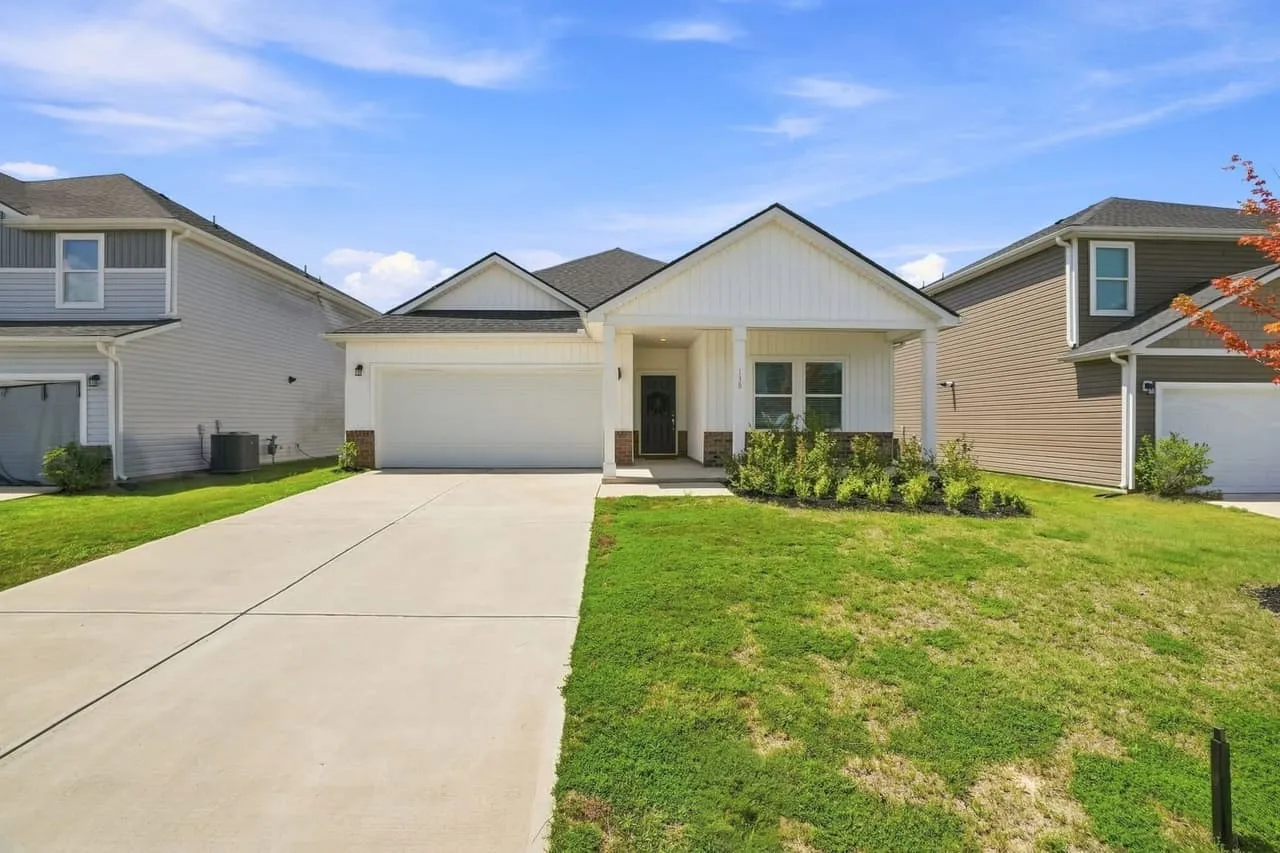
Most buyers will see it on a phone, so look at it on one before you call it done.
- Does the lead photo still read when the portal crops it into a thumbnail?
- Can you read the floor plan without pinching and zooming?
- Does the video link open, and does the tour load?
- Is the first line of the description the useful one?
If it’s clunky on a small screen, buyers won’t fight through it. They’ll move on to the next listing.
Reuse the media, within the license
The same gallery can feed a just-listed card, your newsletter, your agent site and a just-sold post. Before you do, check the usage rights you were given. A typical listing license covers marketing that property, but terms vary, so read them before you reuse a set after the listing ends. Ask your photographer for the license in writing.
Keep it current
Don’t let a listing go stale. Update open house dates, add a seasonal set if the listing runs long, and swap the lead image if the views have slowed down. Fresh information tells buyers the property is active and the agent is paying attention. Keep a note of what you changed and when, so you can tell which change moved anything.
Get the media on the calendar
Not sure which pieces a listing needs? Start with what to order for a listing, then look at the packages.
Beyond All Media. South Carolina (864) 714-0724, Richmond (804) 913-3013.