
Ways to order
Order on the website, in the app, or by calling us. A person confirms every order.
The same steps as a list
- Need media for a listing. Choose one of the three ways below.
- The website. Open the order form. Choose the package and the date. Send the order.
- The Beyond All Media app. Open the app. Choose the package and the date. Send the order.
- Call us. Call the number below. We take the order and read it back. You receive a written confirmation.
- Order confirmed by a person. This is the same for every path.
- Shoot scheduled.
1. The website
Open the order form on its own page, choose the package and the date, and send it.
Open the order form Book a shoot page
2. The Beyond All Media app
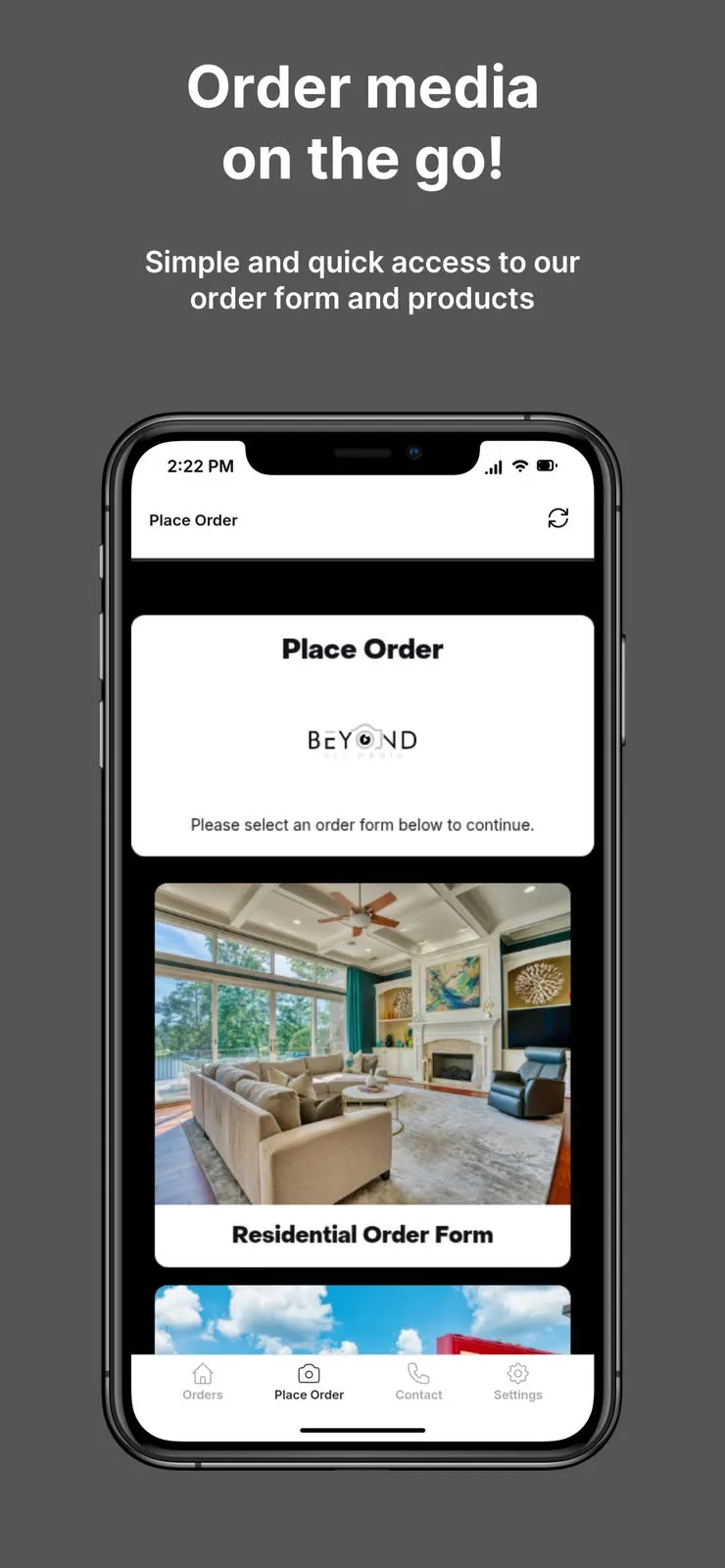
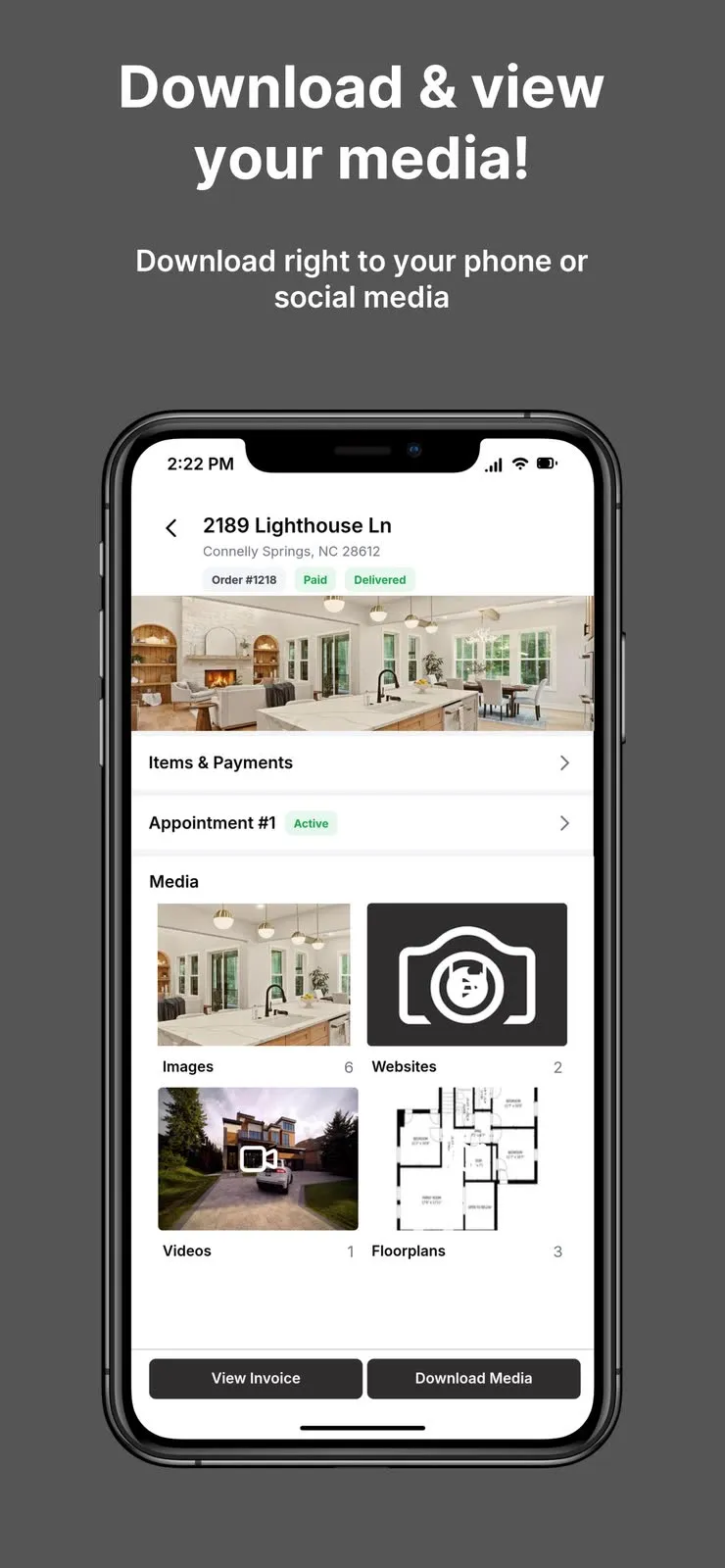
The easiest way to order from a phone: book a shoot, download your media and pay invoices in the app.
3. Call us
Call and a person takes the order and reads it back to you.