
How Cut and Color Shape a Real Estate Video
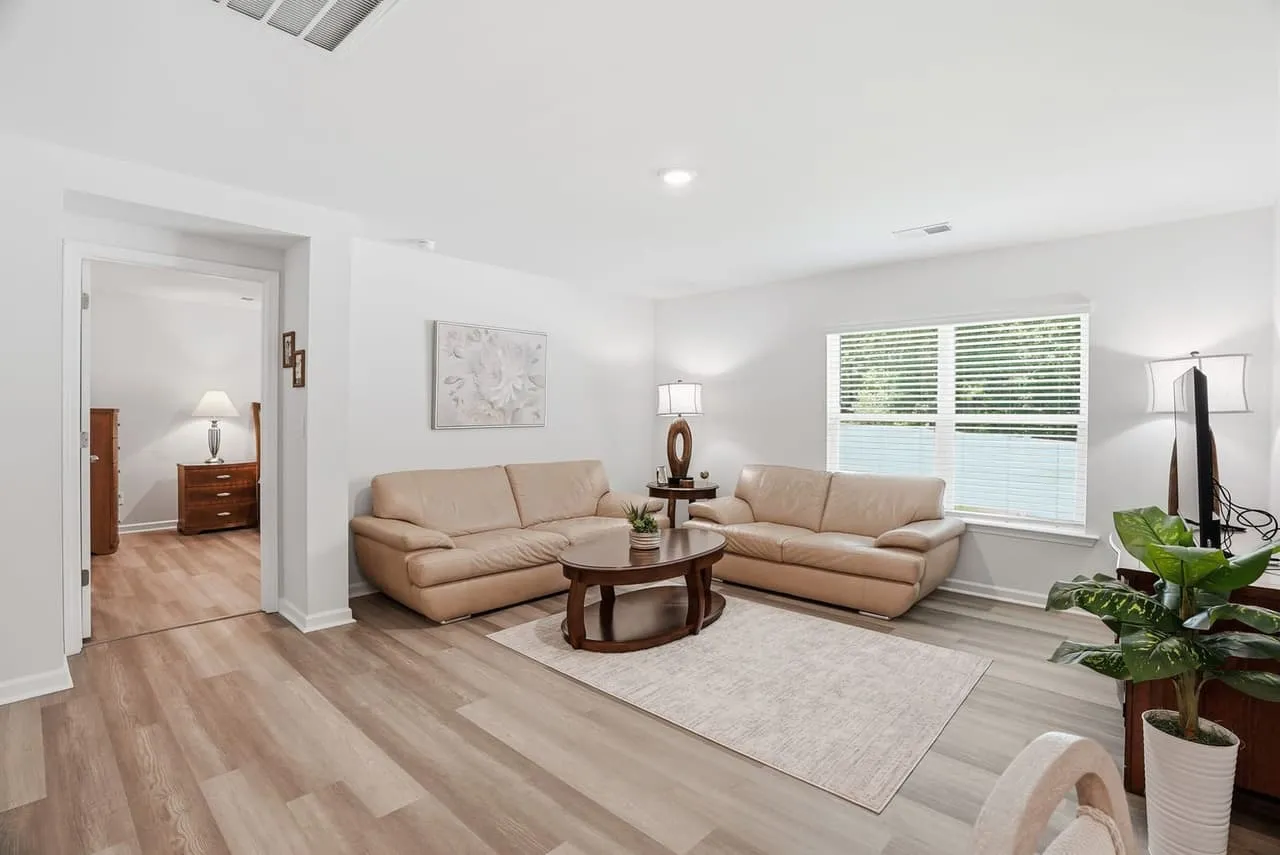
Footage isn’t a video until somebody cuts it. On a listing video, two edit decisions do most of the work: where the cuts fall, and whether the color looks like one house from the first room to the last. You don’t need to edit anything yourself. You do need to know what to look for when a draft comes back.
Cuts: let the moves finish
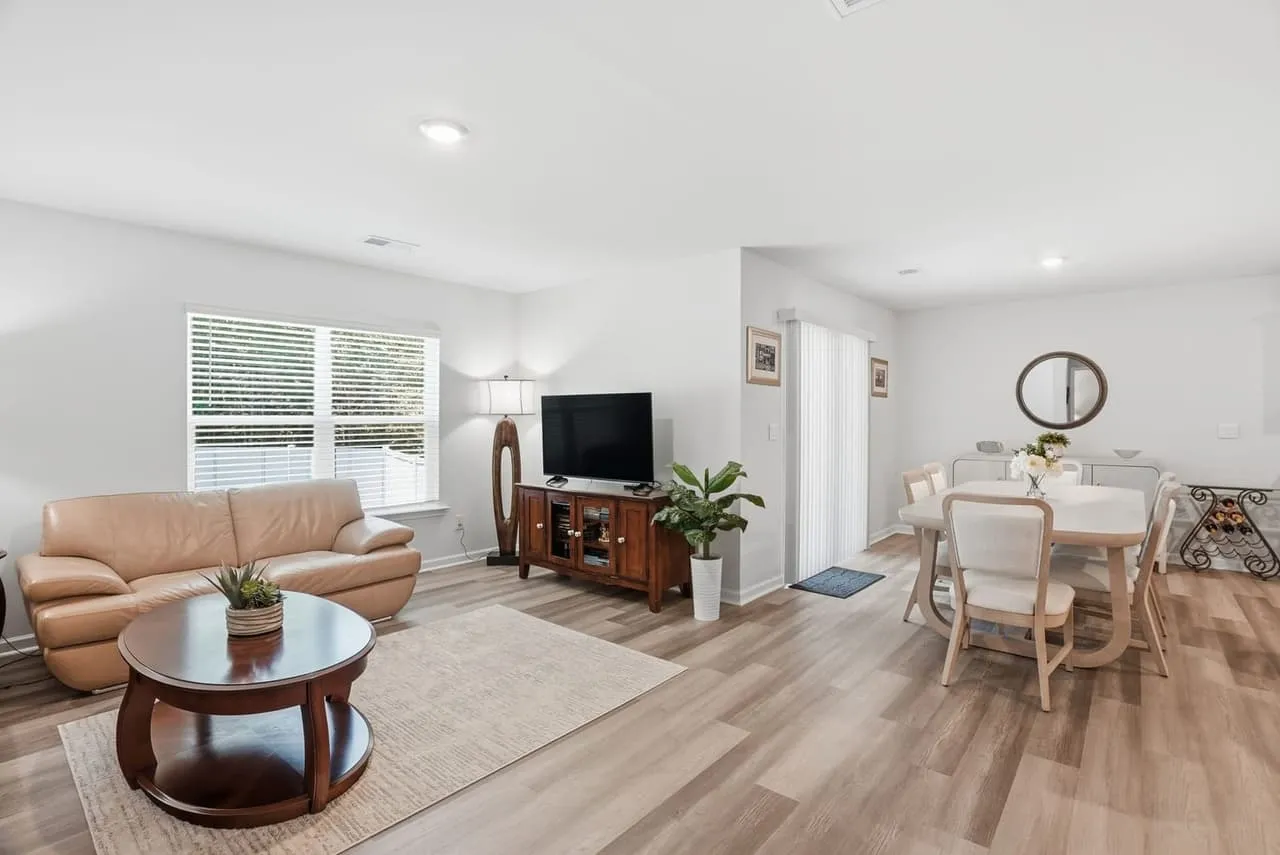
A listing walkthrough is built from slow camera moves: a push through a doorway, a gentle side step, a hold. The cleanest edit lets each move finish and then cuts to the next room. A cut in the middle of a move feels like a stumble.
Keep the order of the cuts the same as the order a buyer would walk the house. Jumping from the primary bath back to the kitchen scrambles the floor plan buyers are building in their heads. If you want the full shot order, we wrote it up in the Richmond walkthrough guide.
Hold each room long enough to read it, then move on. The pace should feel like a relaxed tour, not a trailer. Flashy transitions, speed ramps and whip pans make the editor look busy, and they pull attention off the house. A plain cut or a soft dissolve between the outside and the inside is almost always enough.
Sound counts as part of the cut too. Music should sit under the picture and fit the house, a calm bed for a quiet cottage and something with a little more lift for a new build. Cut on the beat where you can, and keep the volume low enough that it never competes with what you’re seeing.
Color: one house, one look
Color is where a video quietly looks pro or amateur. The problem is almost never “too plain.” It’s inconsistency. One room goes orange, the next goes blue, and the kitchen looks like it belongs to a different house.
Most of that is lighting at the time of the shoot, which is why prep matters so much. Matching bulbs, lamps off and blinds set evenly all save the edit. We cover it in our shoot-day and prep guide. What’s left in the edit is balancing white across the whole sequence so it feels like one afternoon in one place.
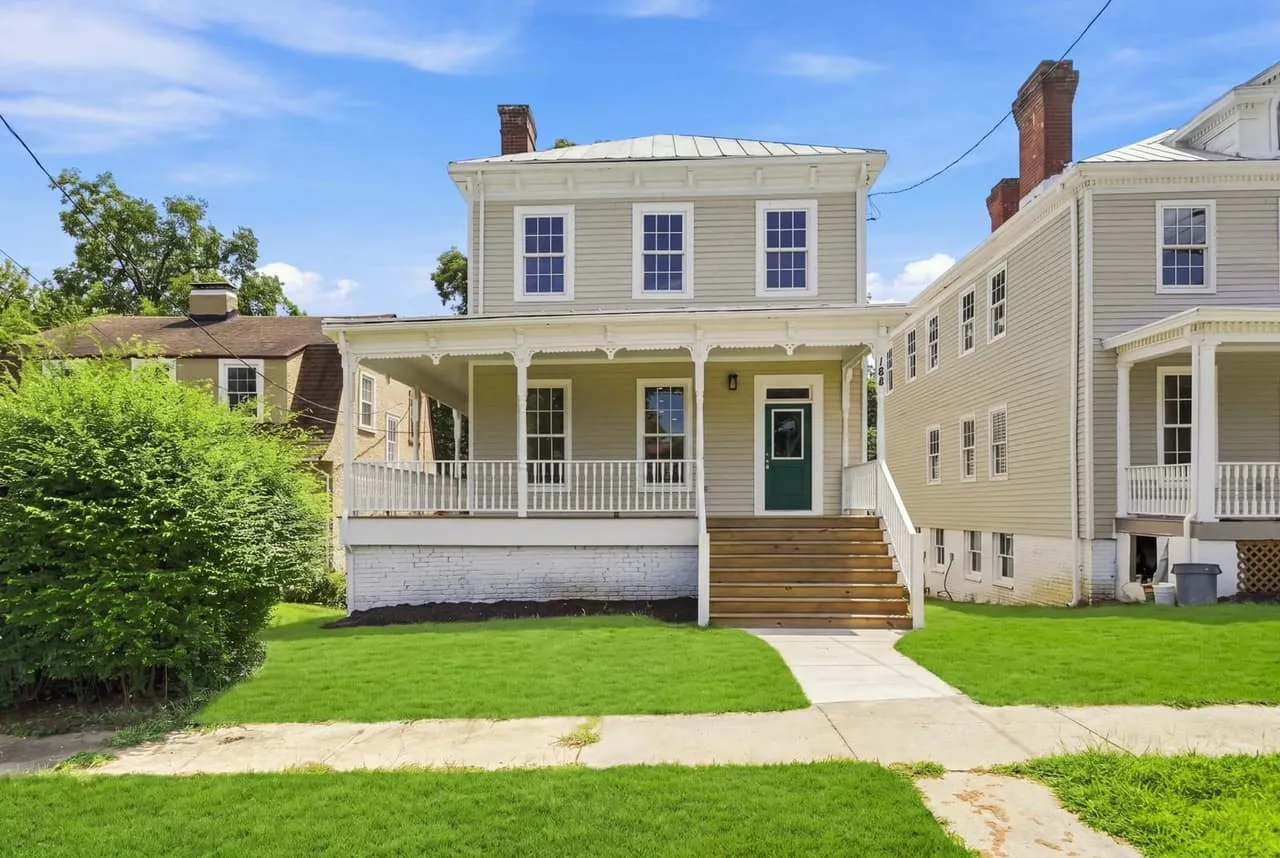
A few things a good grade handles:
- White balance matched from room to room, so the walls look the same color in every shot.
- Windows that hold detail, so the view outside isn’t a white block.
- Natural finishes. Brick should read like brick, wood floors like wood, and grass like grass on a good day.
- A video that matches the photo set. If the photos are clean and neutral and the video is warm and moody, buyers wonder which one is the real house.
Keep the grade honest
It’s tempting to push a warm, golden look on every video. Resist that. A buyer will see the house in person, and a heavy grade makes them notice the difference. Color should make the home look its best on a good day, not like a different home. The same restraint applies to stills, and our post on photo editing techniques goes through what we will and won’t touch there.
Aerial footage gets its own grade, because sky, trees and rooftops behave differently from a room with windows. That’s covered in cuts and color for drone footage.
What the edit can’t fix
An edit can balance color and trim a bad second or two. It can’t remove a clutter pile that the camera walked straight past, stop a ceiling fan from strobing, or fix mixed lighting that split a room in two. When a draft looks off, the cause is usually on the shoot day, not in the edit. That’s the argument for doing the prep.
What to ask for when you order
- The shot order, so you know the video follows the way a buyer walks the house.
- Color that matches your photo set.
- The orientation you want, horizontal for the MLS and your site or vertical for social. A second orientation is a quote.
- Captions or on-screen text only where they help.
- Music that fits the property.
For how video fits into a listing order, see the packages page. Beyond All Media edits every video we deliver across Upstate SC, Columbia and Richmond. South Carolina (864) 714-0724, Richmond (804) 913-3013.