
How Can Small Business Photography Boost My Online Presence?
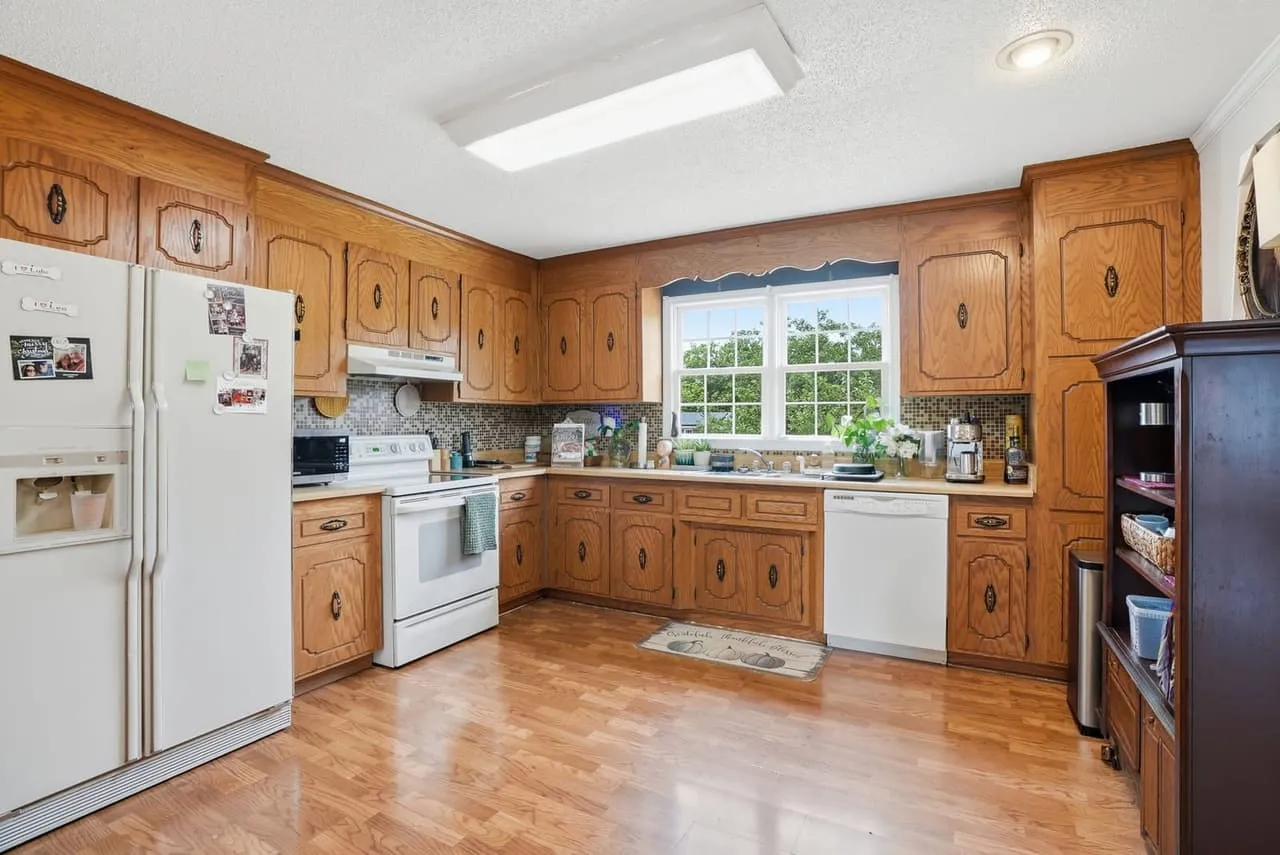
Plenty of people judge a local business by its photos before they ever walk in or call. If your site and Google profile show dim, blurry or stock images, you look like you might not be around next year. This guide covers what to photograph, how to prep, and how to get more out of the images once you have them.
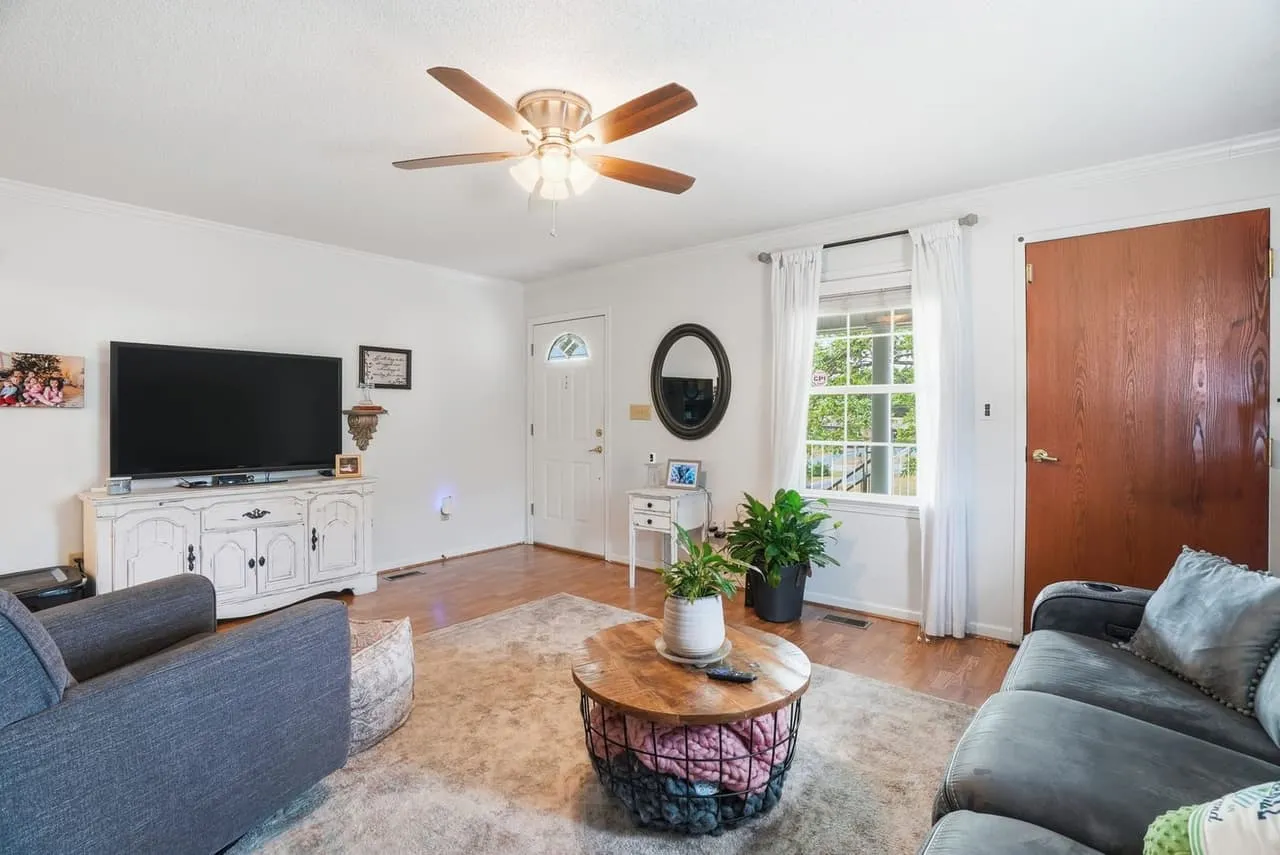
What small business photography covers
It’s professional images of your products, your space, your team and your work, used on your website, social feeds and marketing. The goal is an honest picture of what it’s like to do business with you. Every shot should say something about what makes the place yours, so a stranger gets it in a few seconds.
It’s more than products on a table. Behind-the-scenes shots, your crew at work, the space on a normal day. Real faces do more for trust than a polished stock image does.
Why it matters more for a local business
If you run a shop, studio, office or restaurant in Greenville, Spartanburg, Anderson, Columbia or the Richmond area, a lot of your customers probably find you through local search and your Google Business Profile before they call. They search on a phone, tap a few results and decide quickly. The photos on that profile carry a lot of that decision: a storefront that looks open and warm, an interior with good light and room to move, a product shot that looks like the real thing.
Local customers can also compare your photos to the real place the moment they walk in. That keeps everything honest. Shoot the space as it really looks on a good day, so people arrive knowing what to expect and you spend less time managing surprises.
What to shoot
- Your space. Exterior from the street, entrance, and the main areas customers use. Wide, level and well lit.
- Products or services. Close, in good light, on a clean background or in use.
- Your team. Headshots for the team page, and a few candids of people at work.
- Details. The things that make you different: signage, packaging, equipment, a finished job.
- A walkthrough. If customers decide based on the room, a 3D tour lets them look around first. We cover when that’s worth it in Matterport tours for small businesses.
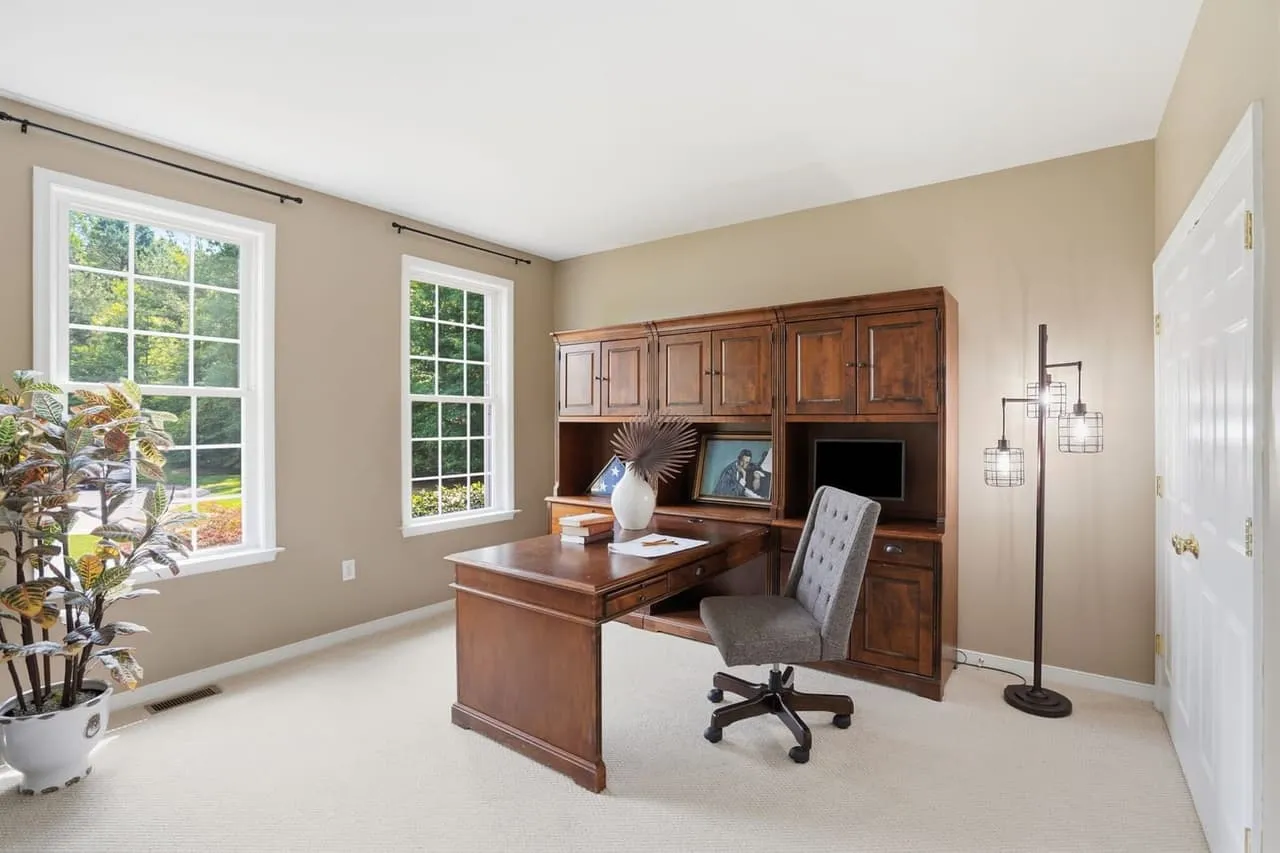
Keep the look consistent
Photos, colors, fonts and logo should look like they belong to the same business on your website, social feeds and printed pieces. People start to recognize you by that look before they read your name. If your colors, fonts and logo aren’t settled yet, fix that first, which is what our brand and identity work covers before anything gets printed.
What a shoot day looks like
Take a hypothetical neighborhood salon. The photographer walks the space first and picks the best-lit stations and the angles that show the room at its best. The exterior and storefront get shot before opening, while the light is soft and the sidewalk is clear. Interiors come next with every light on and the counters cleared, then a few frames of a stylist at work with the owner’s okay. Last come the details: product shelves, the sign, the shampoo bowls.
Mistakes that make photos work against you
- Stock images where your own space should be. Customers notice when the place doesn’t match.
- Photos that are years out of date. A storefront that’s been repainted or a team that’s changed tells people you’re not paying attention.
- Cropping a wide shot to fit a square slot, instead of shooting a version that fits.
A quick checklist before your shoot
A little prep makes the photos better and the session go faster:
- Tidy and declutter the areas you want shot. Clear counters and clean glass photograph better than you’d think.
- Pull together anything with your brand on it, like signage, packaging or a logo on the wall.
- Have a couple of team members ready if you want people in frame.
- Know where the photos are going. A website header, a Google Business Profile and an Instagram grid all crop differently, so tell the photographer.
- Pick your best time of day for light. Rooms with big windows often look best mid-morning.
Making your photos work harder
Put your strongest shots on your homepage and your Google Business Profile first, since that’s what most people see. Then spread the rest across your social posts, email header and booking pages. Keeping social going week after week is its own job, and it’s usually the first thing to slip. If you’d rather hand that off, our social media management covers it.
Refresh the set when something real changes, like a remodel, a new product line or a new team. A good batch of photos can carry you a year or two.
Getting started
Work out what you need first, then decide between a pro and doing it yourself. A phone in good light works for a day-to-day social post. For your website, your Google profile and anything printed, a professional will usually land the look better, and our guide to what to look for in a commercial photographer lists the questions to ask before you book.
When you’re ready, look at our packages, or reach Beyond All Media. South Carolina (864) 714-0724 or Richmond (804) 913-3013.